15+ Best Webflow Portfolio Templates - Free & Paid (2026)
.webp)
A portfolio is often the single page that decides whether a client reaches out or moves on. The good news: you do not need to design one from scratch. In this guide I compare the best Webflow portfolio templates in 2026, both free and paid, with prices, features, live previews and honest notes on who each one fits best.
Last updated: August 2026.
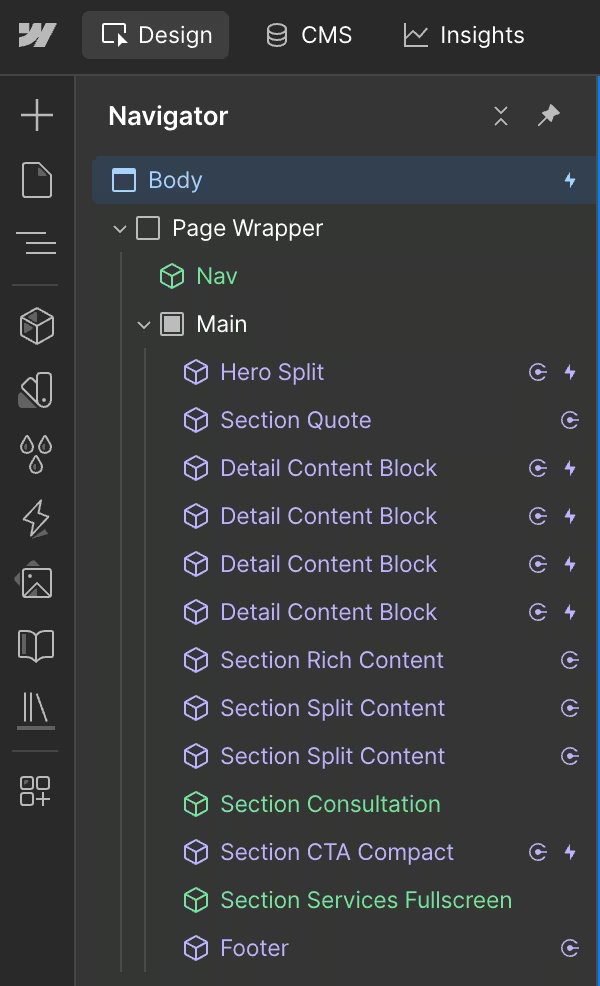
Full transparency: the paid templates in this list are my own work as a Webflow template designer at Metrik Studio, and the free picks are official templates created by the Webflow team. Every recommendation includes a live preview, so you can judge the design yourself before spending anything.
Quick picks
- Best overall: Halston ($99) for editorial, component-based portfolios
- Best for creative agencies: Karuso ($79), Bronn ($129) or Majestika ($129)
- Best for building a custom layout: Fragment UI kit ($149), Sprint UI kit ($129)
- Best for photographers: Graaf ($79)
- Best free option: Portfolio Starter by Webflow
How to choose a portfolio template
Four things matter more than anything else when picking a portfolio template:
- CMS for your projects. Your work should live in a CMS collection, not hard-coded pages, so adding a new project takes minutes and never touches the design.
- Design quality. A portfolio is a design statement. If the template looks generic, so does your work. Check the live preview on mobile too.
- Room to grow. More pages and sections means the template still fits when you add services, a blog, or an about page later.
- Author support. Free templates come as they are. Paid templates from active authors come with direct help when you get stuck.
Best paid Webflow portfolio templates
1. Halston ($99)
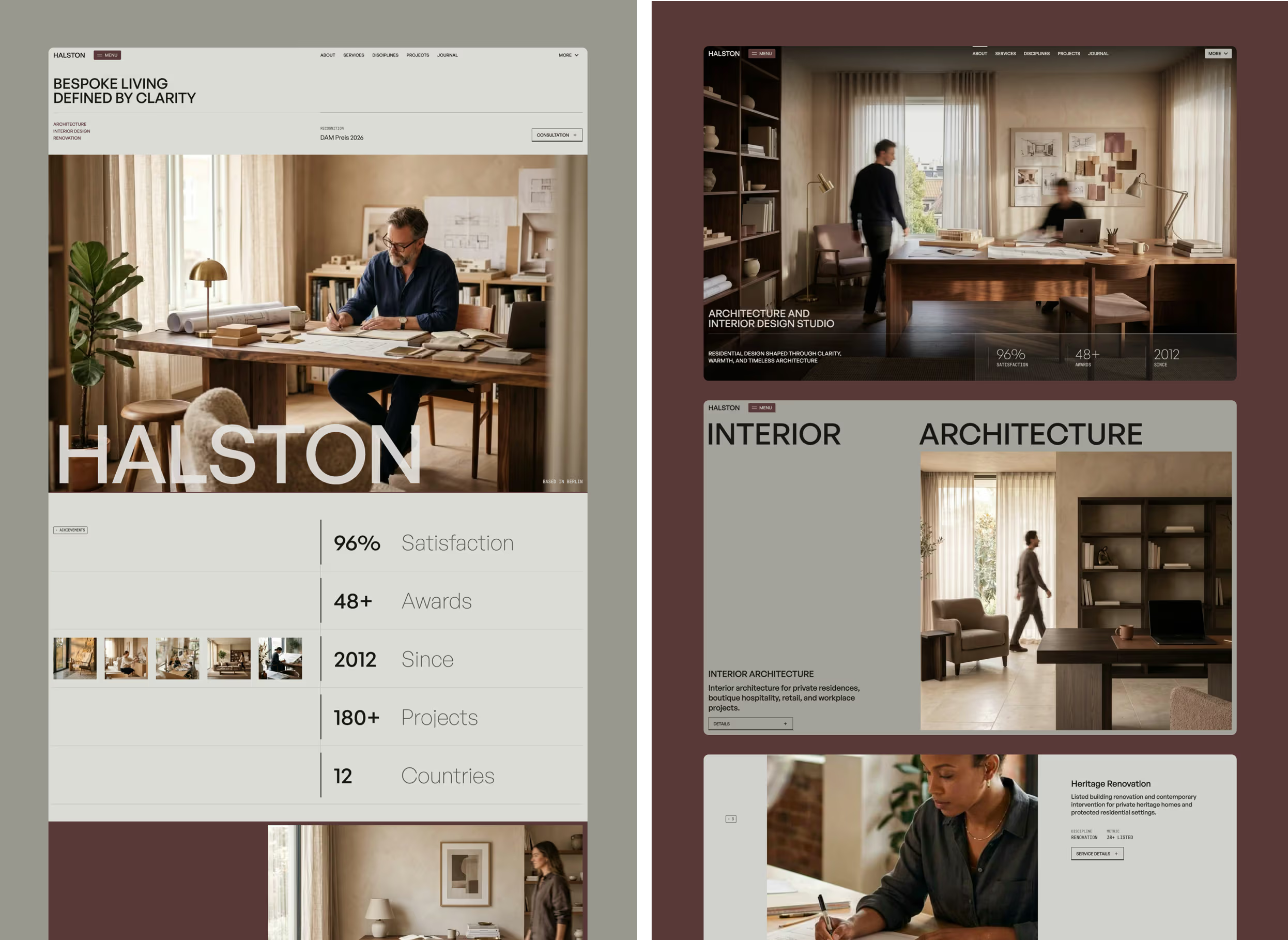
Halston is an editorial, typography-first template built for studios whose work deserves a gallery-like presentation. It is the newest template in this list and the only fully component-based one: every section is a reusable component, so changing a card or hero once updates it across the whole site.
The design is also an award-winning one: Halston received an Honorable Mention on Awwwards in June 2026 and has been nominated for the Awwwards Business & Services Honors, recognition that very few website templates ever reach.
Best for: architecture studios, interior designers, and any creative practice that wants an editorial, magazine-quality portfolio.
- Awwwards Honorable Mention and Honors nominee
- 25+ pages and 60+ reusable components
- 13 CMS collections including Projects, Journals, Teams and Awards
- Modern GSAP animations, built natively in Webflow
- Component-based structure for fast site-wide edits
View details · Live preview · Get it on the Webflow Marketplace
2. Fragment ($149)

Fragment is built for conversion-focused pages: launches, campaigns and product-style presentations. As a portfolio, it suits people who treat themselves as a product, one strong page that sells, backed by 40+ layouts.
Best for: freelancers and studios who want a landing-page style portfolio focused on converting visitors into clients.
- 40+ pages of high-converting layouts
- CMS-driven content blocks
- Ecommerce functionality built in
- One of the best-selling Metrik templates
View details · Live preview · Get it on the Webflow Marketplace
3. Karuso ($79)
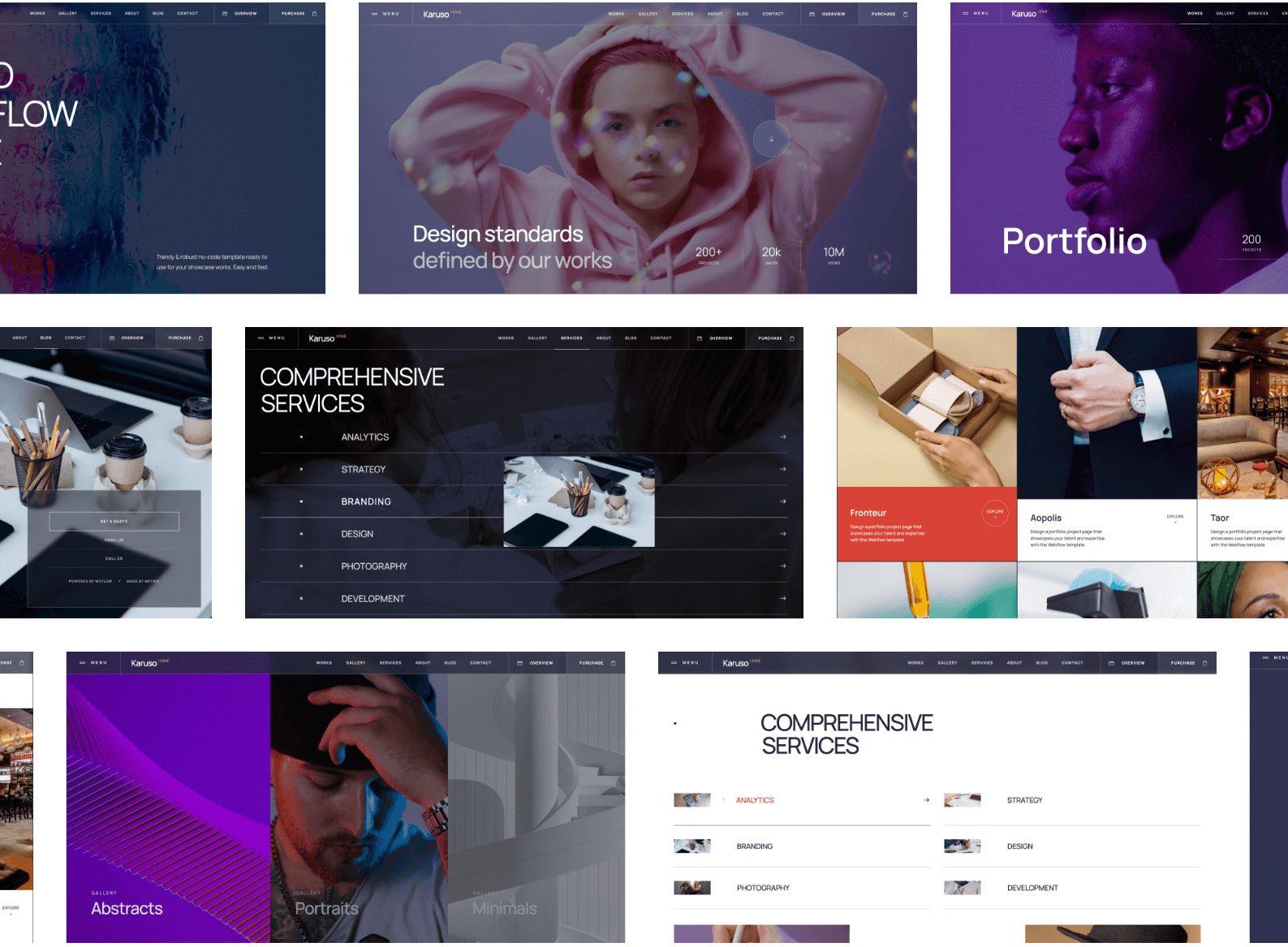
Karuso puts the work first: large imagery, clean grids and layouts designed to let photos and video breathe. It is one of my most purchased portfolio templates, used by hundreds of photographers and studios.
Best for: photographers, videographers and visual artists who want the images to do the talking.
- Image-first layouts with large galleries
- CMS-driven project and portfolio pages
- Native Webflow interactions throughout
- Clean structure that is easy to rebrand
View details · Live preview · Get it on the Webflow Marketplace
4. Sprint UI kit ($129)

Sprint takes a different approach: instead of a fixed site, you get 200+ designed sections and layouts to assemble your own portfolio. Maximum flexibility if you enjoy composing pages yourself.
Best for: designers and developers who want to build a custom portfolio fast from ready-made blocks.
- 200+ aesthetic sections and layouts
- CMS structures ready to connect
- Consistent minimal design system
- Ideal starting point for client work too
View details · Live preview · Get it on the Webflow Marketplace
5. Bronn ($129)

Bronn is a creative personal-site template that mixes blog, portfolio and personality. If you publish regularly and want your writing and work under one roof, it is a natural fit.
Best for: creators, bloggers and freelancers building a personal brand with regular content.
- 25+ pages for content and portfolio
- CMS-driven posts, projects and categories
- Creative, contemporary design
- Ecommerce functionality built in
View details · Live preview · Get it on the Webflow Marketplace
6. Graaf ($79)

Graaf is Karuso's quieter sibling: a minimal, restrained photography template where nothing competes with the work. If your style is subtle and documentary rather than bold, this is the one.
Best for: photographers and videographers with a minimal, understated visual style.
- Minimal design with generous white space
- CMS collections for projects and galleries
- Fast, lightweight page structure
- Simple to customise without design skills
View details · Live preview · Get it on the Webflow Marketplace
7. Majestika ($129)
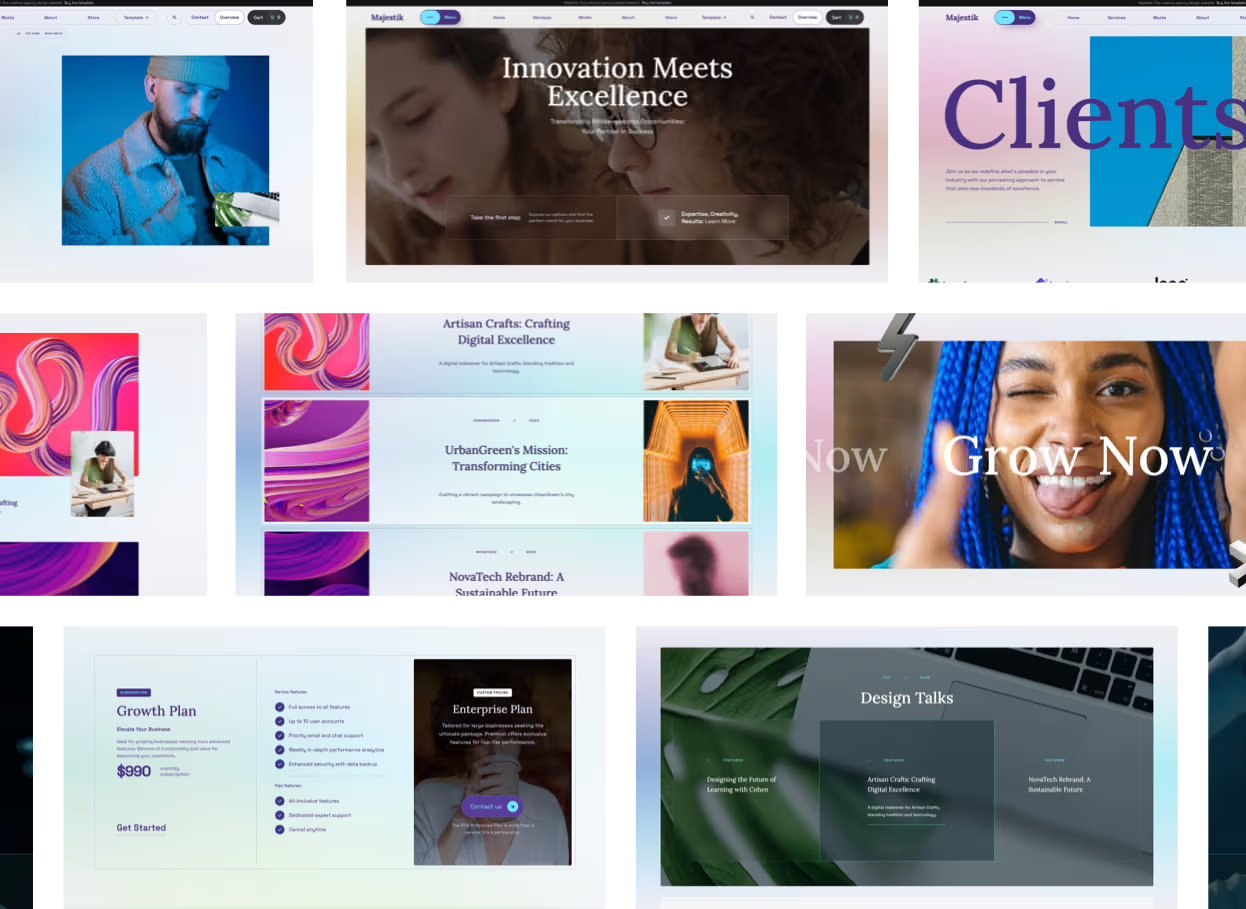
Majestika is the boldest design in this list: playful layouts, expressive typography and plenty of personality. It works best when your portfolio itself should feel like a creative statement rather than a quiet gallery.
Best for: creative agencies, designers and portfolio-driven studios that want to stand out.
- 33 pages of static and CMS layouts
- CMS-driven projects, team and blog
- Ecommerce functionality built in
- Playful, expressive design direction
View details · Live preview · Get it on the Webflow Marketplace
8. Impulse ($79)

Impulse sits between a personal brand site and a full portfolio: energetic layouts, strong hero sections and space for services alongside the work. A good pick for freelancers who sell themselves, not just their projects.
Best for: freelancers, personal brands and small creative teams.
- 25+ pages including services and about layouts
- CMS-driven portfolio and blog
- Engaging native interactions
- Balanced mix of personality and professionalism
View details · Live preview · Get it on the Webflow Marketplace
9. Stada ($79)
.webp)
Stada is a clean, structured template for studios that prefer clarity over spectacle. Strong grids, disciplined typography and a layout that keeps attention on case studies.
Best for: design agencies, studios and consultants who want a clean, professional portfolio.
- 15+ pages of focused, minimal layouts
- CMS collections for projects and posts
- Ecommerce functionality built in
- Quick to launch and easy to maintain
View details · Live preview · Get it on the Webflow Marketplace
10. Papers ($79)
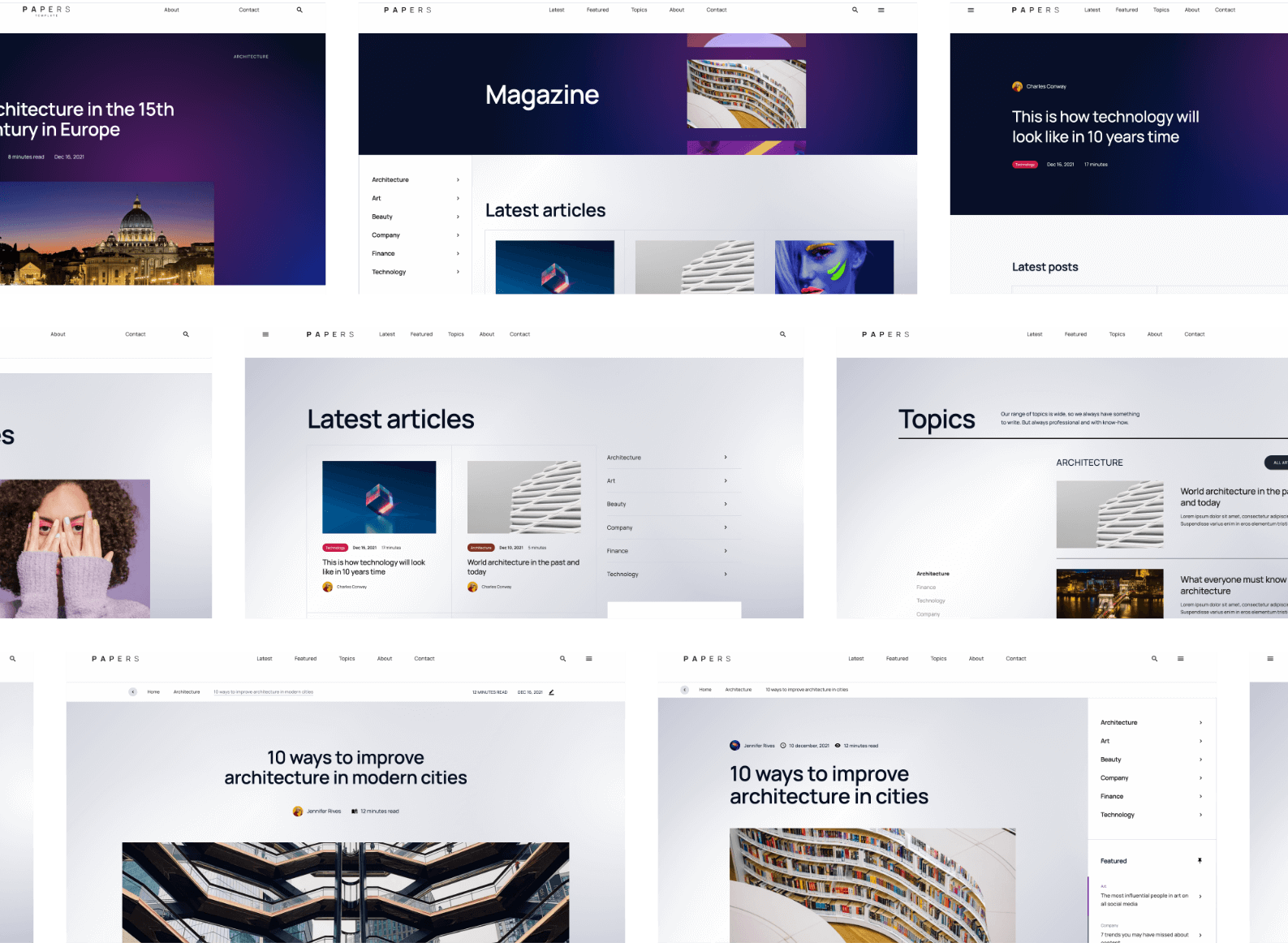
Papers is an editorial template that blends writing and work. If your portfolio is as much about your thinking as your visuals, essays, case studies, articles, this magazine-style structure fits perfectly.
Best for: writers, design writers, and creatives whose portfolio includes long-form content.
- Magazine-style editorial layouts
- CMS-driven articles and portfolio pieces
- Strong typographic hierarchy
- One of the most popular Metrik editorial templates
View details · Live preview · Get it on the Webflow Marketplace
Best free Webflow portfolio templates
The templates below are official free templates created by the Webflow team. They are simpler than the paid options, fewer pages, lighter CMS structures and no author support, but they are a genuinely good way to start at zero cost and upgrade later.
11. Portfolio Starter (Free)
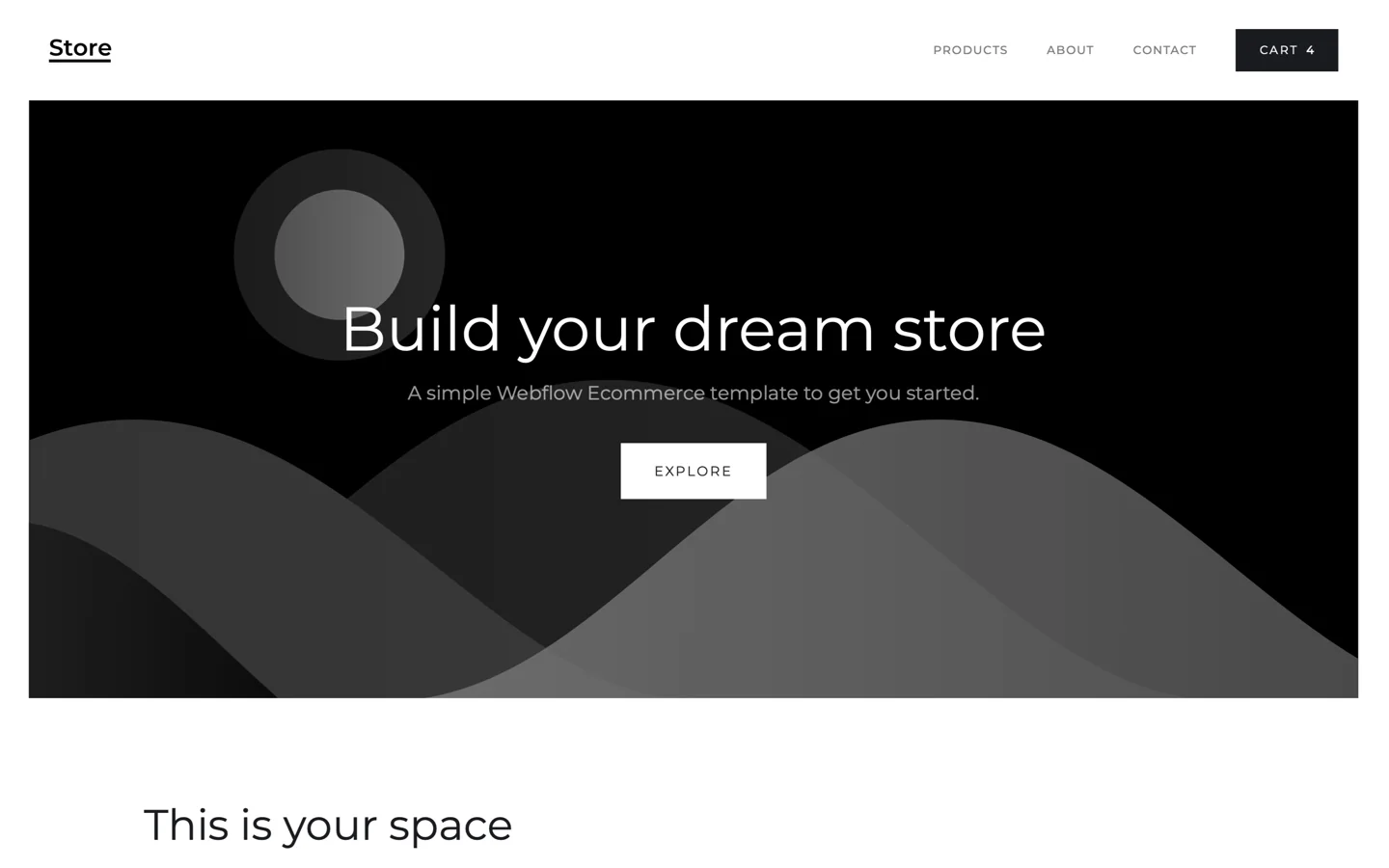
The official starting point for a portfolio in Webflow: a clean, responsive layout with CMS built in, designed to be customised pixel by pixel.
Best for: anyone building their first Webflow portfolio at zero cost.
View on the Webflow Marketplace
12. Uncommon (Free)

A modern, fully dynamic portfolio template where all projects run through the CMS. One of the most capable free options for creatives.
Best for: creatives who want CMS-driven projects without paying for a template.
View on the Webflow Marketplace
13. Versus (Free)
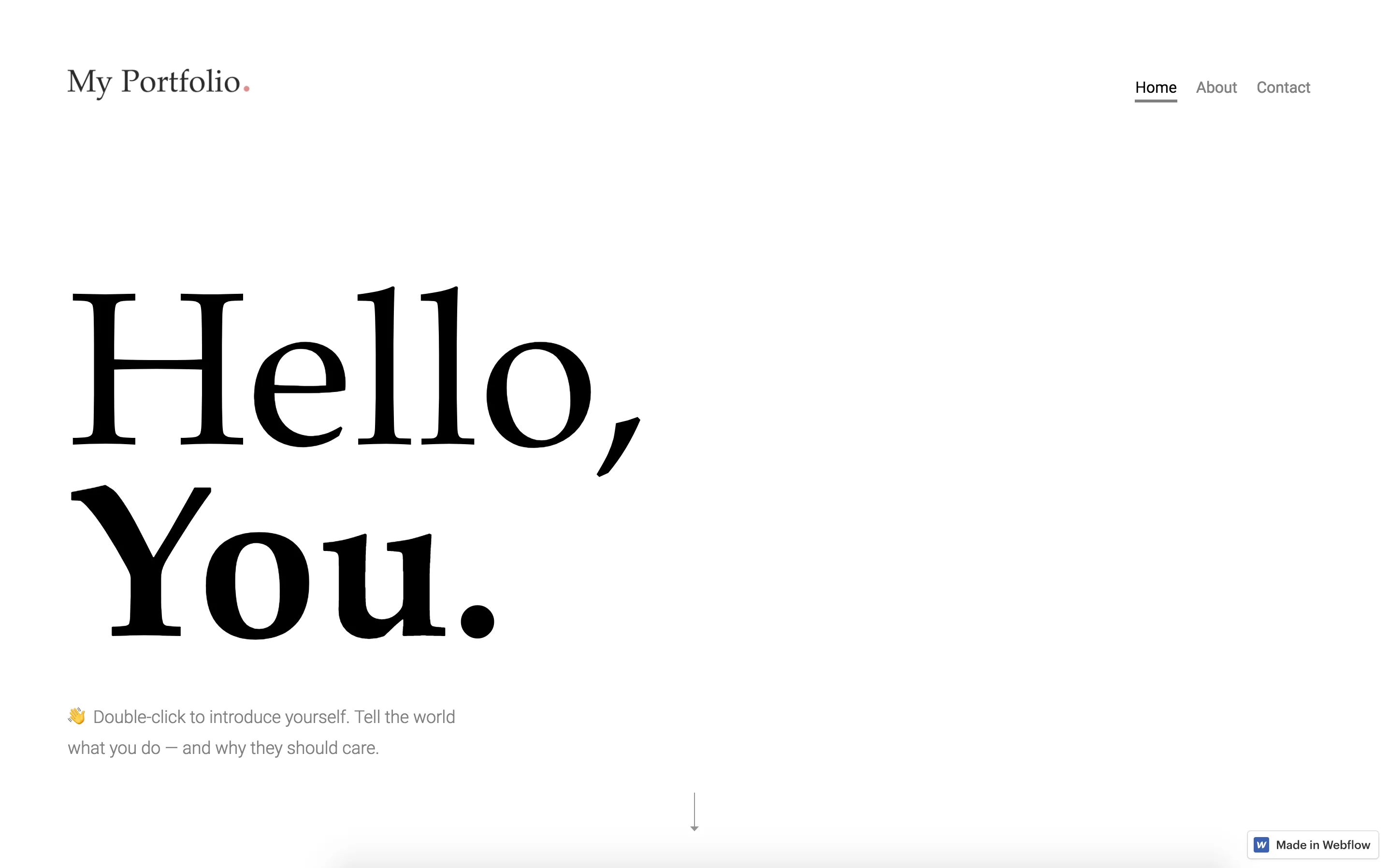
A professional, clean template with a customisable CMS and a dark visual direction. A solid pick if you want something more dramatic than the typical white portfolio.
Best for: designers and developers who prefer a dark, professional look.
View on the Webflow Marketplace
14. TileDesign (Free)
A CMS template for creative professionals with a ready-to-go blog, portfolio pages and a dynamic homepage that updates with every new project you add.
Best for: creatives who want a free portfolio and blog in one.
View on the Webflow Marketplace
15. Stone (Free)

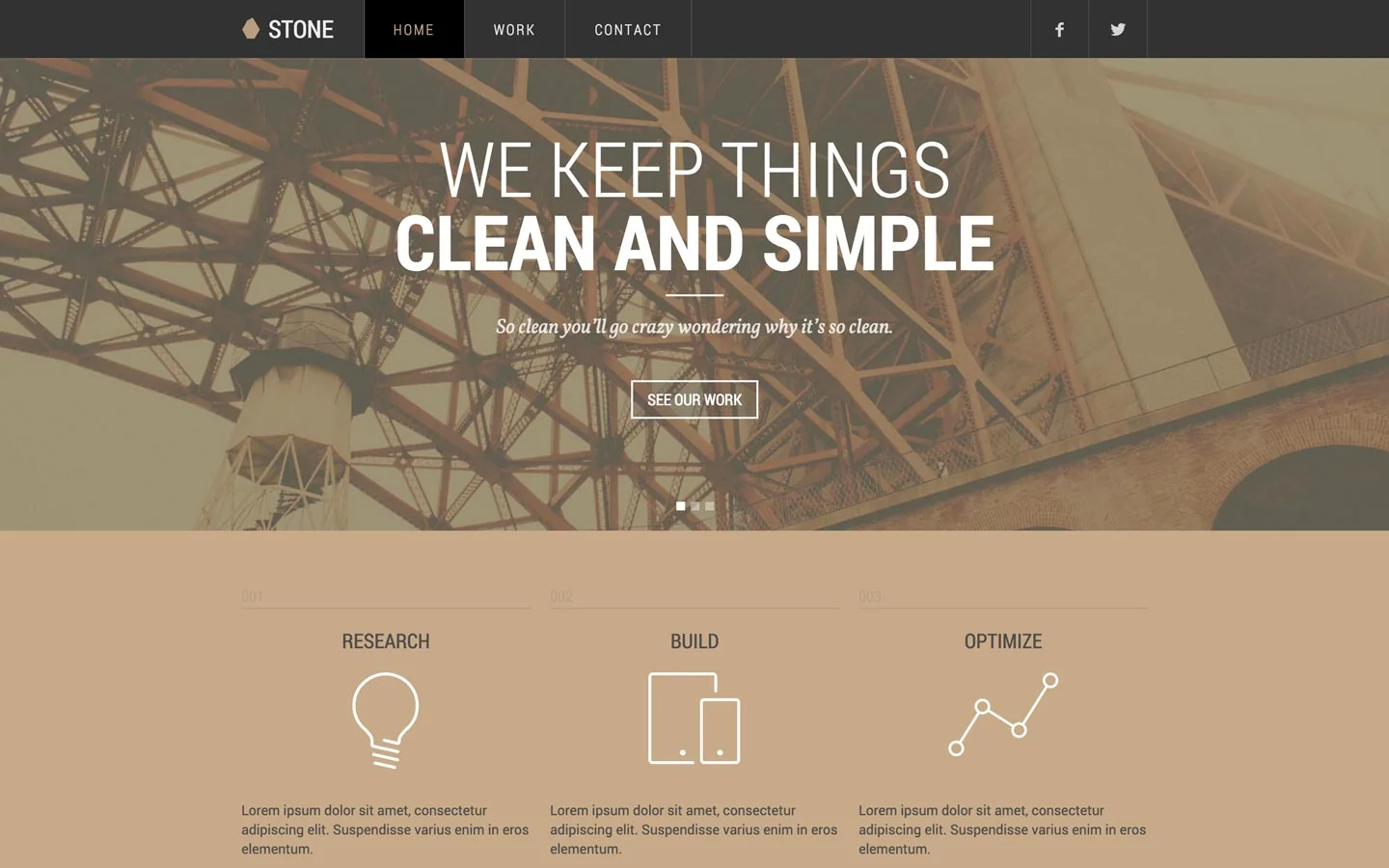
A balanced dark and light layout that can be reworked for a personal site, agency or product. The warm stone-coloured styling gives it a professional, grounded feel.
Best for: personal sites and small agencies that want a warm, neutral base.
View on the Webflow Marketplace
16. Newport (Free)

A clean, simple gallery template for photographers or a visual personal blog. Minimal setup, image-first presentation.
Best for: photographers who need a simple free gallery online quickly.
View on the Webflow Marketplace
Frequently asked questions
Are free Webflow portfolio templates good enough?
For a first portfolio, yes. The official free templates are well built and CMS-driven. The trade-off is depth: fewer pages, simpler content structures and no author support. If your portfolio is a business tool, a paid content-rich template usually pays for itself with the time it saves and the impression it makes.
Can I customise these templates without coding?
Yes. Every template here is edited visually in the Webflow Designer: text, images, colours and fonts, no code required. You can also update content across the whole site with AI through the Webflow MCP, which works especially well with structured, CMS-driven templates. If you are new to Webflow, start with my guide to using Webflow templates.
Do I need a paid Webflow plan to use a template?
You can build and preview on the free Starter plan. To publish on your own domain you need a paid Site plan, and for CMS-driven portfolio templates choose a tier that includes the CMS. Check the official Webflow pricing page for current plans.
Start your portfolio
Every paid template above comes with fully editable content, realistic CMS structures and direct author support. Browse the complete collection of portfolio Webflow templates, explore all Metrik templates, or get them on the Webflow Marketplace.